Daily work · 3 min
Schedule an appointment
Arrange an estimate, technical visit, call or meeting.
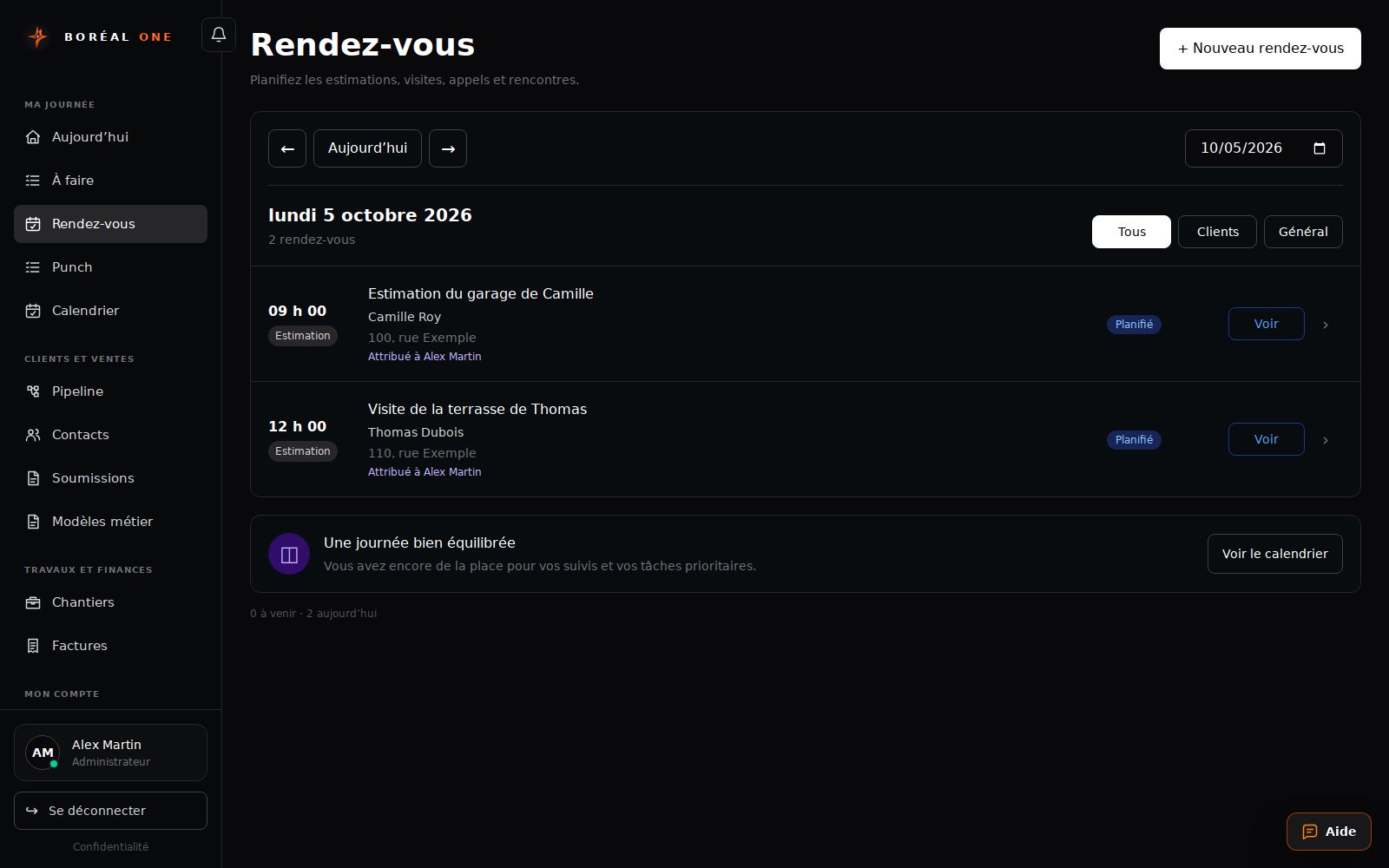
Screenshots and button names reflect the French interface supplied with this guide.
- 1
Start the appointment
Use the new appointment button in Rendez-vous or Calendrier, or + Rendez-vous in a contact record.
- 2
Describe the meeting
Choose the type, enter a clear title, link the contact and add the address and details.
- 3
Choose the schedule
Set the start, end and responsible person, save and check the appointment in the calendar.
- 4
Record the outcome
After the meeting, update its status and plan the next action.