Jobs and invoices · 4 min
Schedule and follow a job
Keep dates, assignments, photos and documents together.
Screenshots and button names reflect the French interface supplied with this guide.
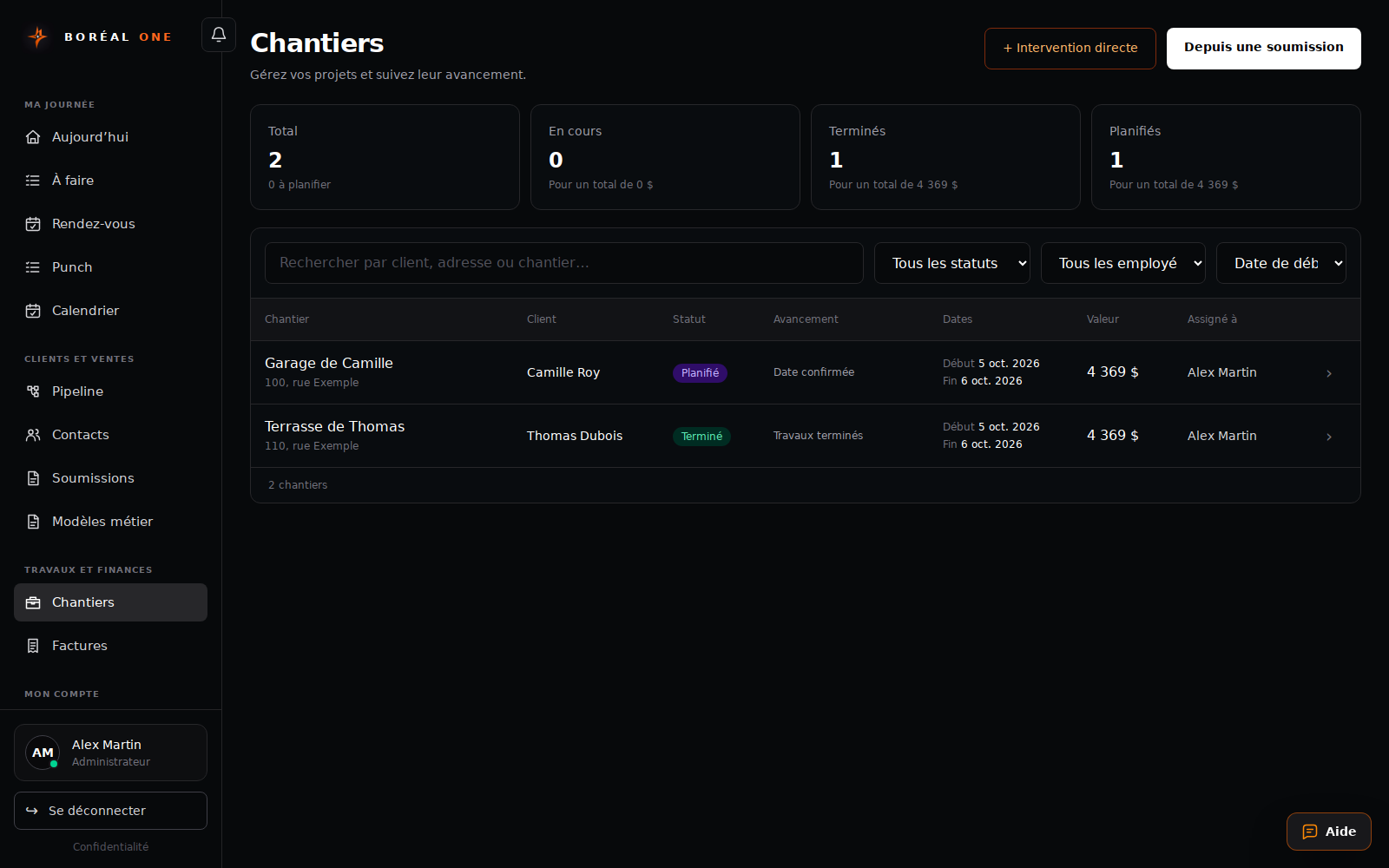
- 1
Start from accepted work
An administrator or manager can select Planifier le chantier in an accepted estimate, or Depuis une soumission in Chantiers.
- 2
Confirm the details
Enter dates, address, responsible person and notes. Use + Intervention directe for work without an estimate.
- 3
Follow the work
Open the record and select Démarrer le chantier when work begins. Add photos and documents in their sections.
- 4
Finish and invoice
Update the job when the work is complete. An administrator or manager can then select Créer la facture.