Daily work · 2 min
Understand your dashboard
See today’s jobs, follow-ups and invoices needing attention.
Screenshots and button names reflect the French interface supplied with this guide.
- 1
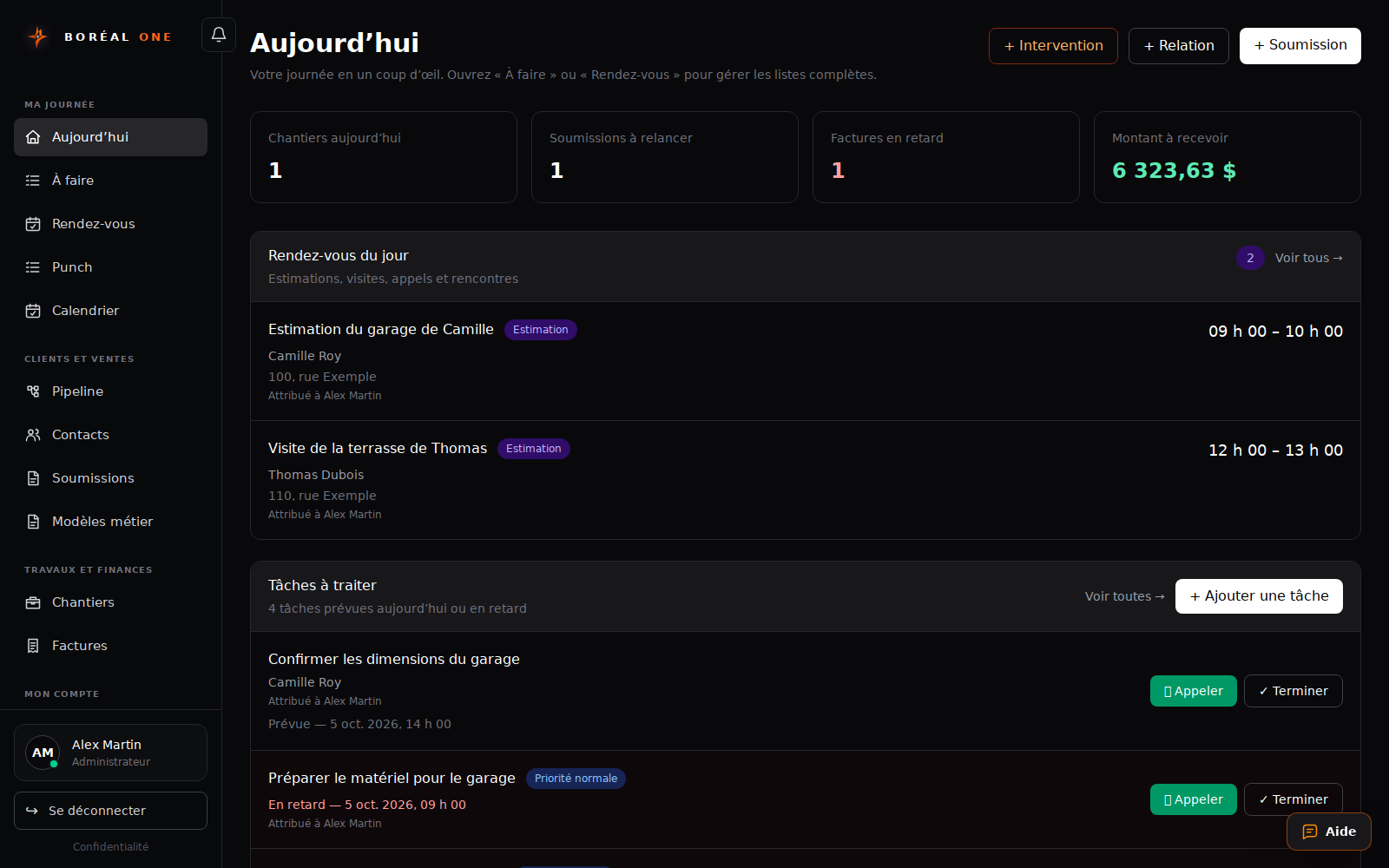
Open Aujourd’hui
This page brings together daily priorities. Available information depends on your role.
- 2
Review the indicators
Check today’s jobs, estimates to follow up, overdue invoices and amounts receivable. Open the relevant section to review records.
- 3
Handle actions
Review Rendez-vous du jour and Tâches à traiter. Select Terminer once a task is done.
- 4
Add the next action
Use + Relation, + Soumission or + Intervention to start a record, or + Ajouter une tâche for a reminder.