Team · 4 min
Record work hours
Clock in, record breaks and clock out, then review team hours.
Screenshots and button names reflect the French interface supplied with this guide.
- 1
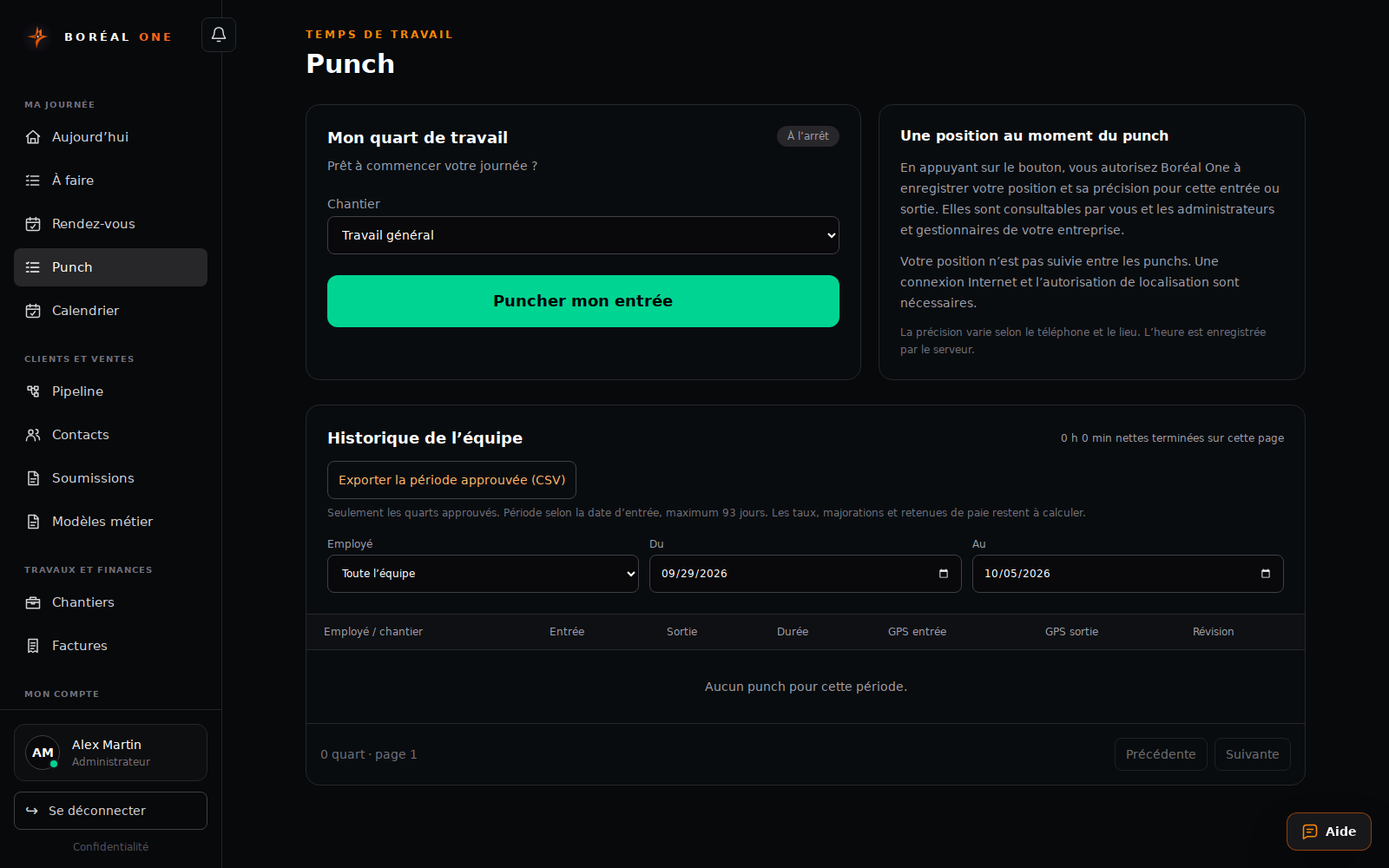
Choose the job
Open Punch and select the job, or Travail général for general work.
- 2
Clock in
Select Puncher mon entrée and allow location access. Internet and location permission are required.
- 3
Manage breaks and changes
Use Commencer une pause non payée and Reprendre le travail for breaks. Choose another job and Changer to switch.
- 4
Clock out
Select Puncher ma sortie at the end of work and review the history.
- 5
Review and export
An administrator or manager can correct or approve completed shifts and select Exporter la période approuvée (CSV).