Getting started · 4 min
Set up your business
Prepare the business details on your estimates and invoices.
Screenshots and button names reflect the French interface supplied with this guide.
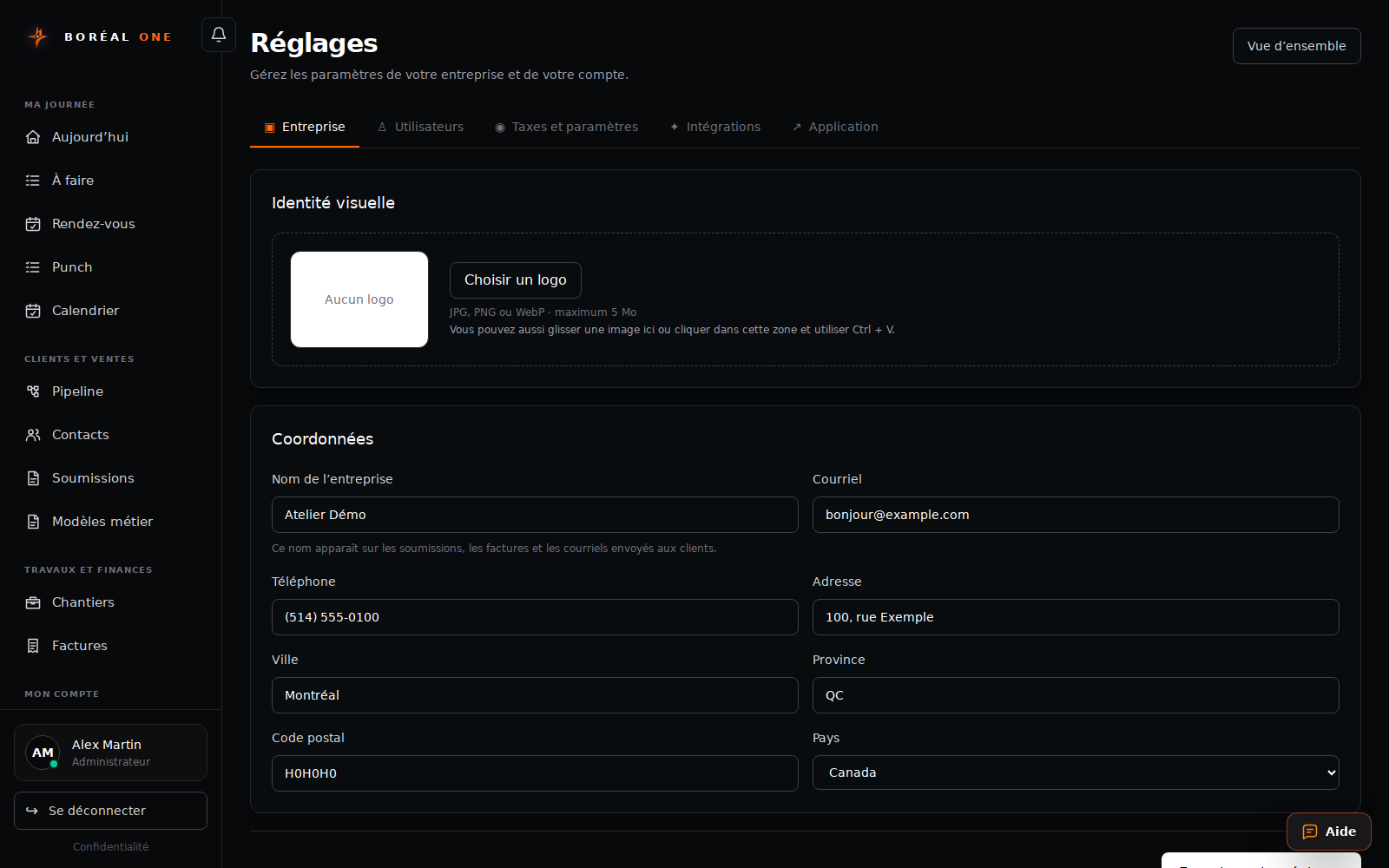
- 1
Open settings
Open Réglages and the Entreprise tab.
- 2
Add your identity
Use Choisir un logo and enter the business name, email, phone and address.
- 3
Check taxes
Open Taxes et paramètres, enter the tax information that applies to your business and save.
- 4
Invite your team
In Utilisateurs, enter the person’s email, select their role and send the invitation. Their role determines their access.