Daily work · 3 min
Manage tasks and follow-ups
Turn reminders into dated and assigned actions.
Screenshots and button names reflect the French interface supplied with this guide.
- 1
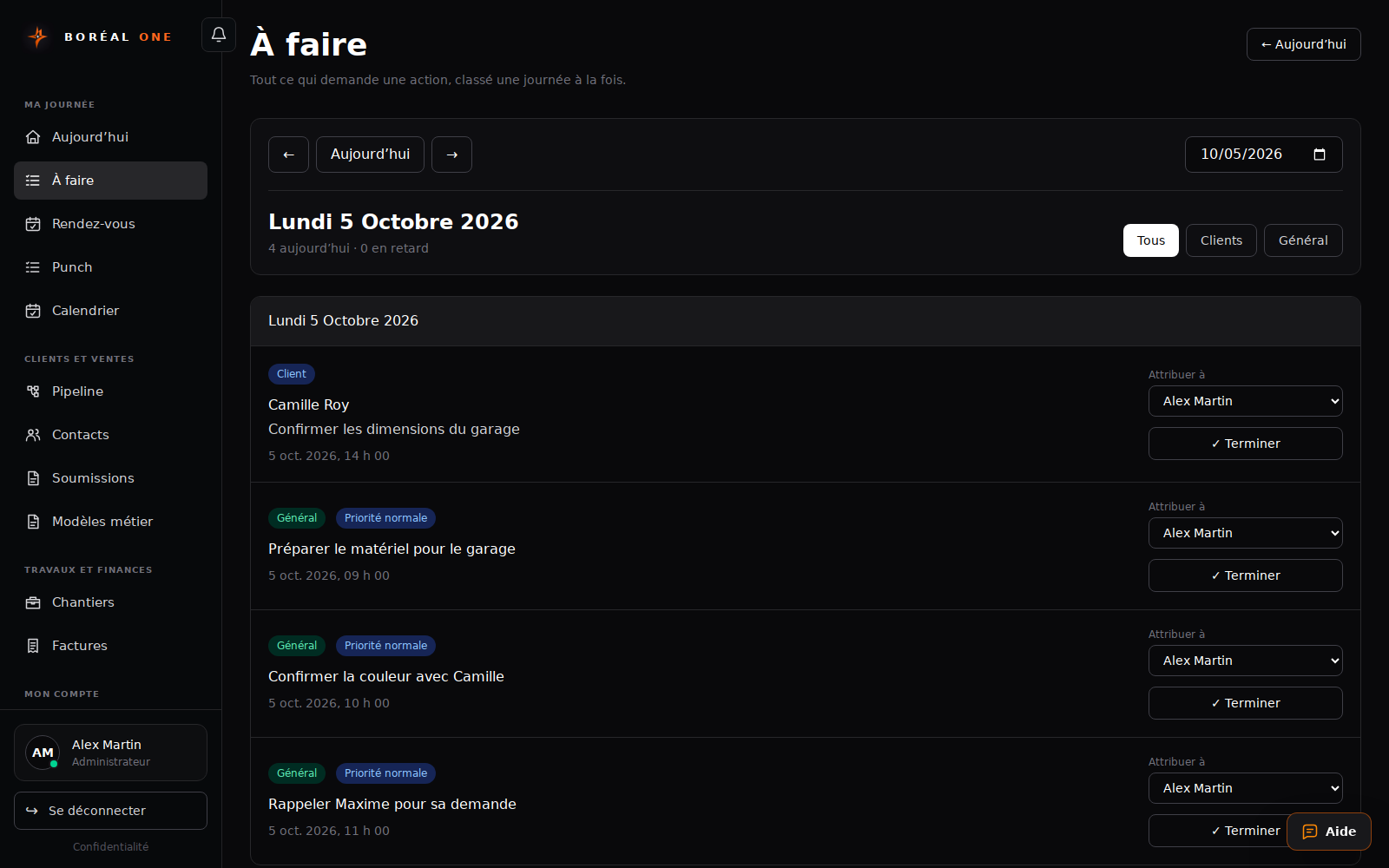
Open À faire
Review today’s actions and records needing follow-up.
- 2
Add a clear task
Use a specific title such as Confirm the colour with Camille. Add a date and responsible person.
- 3
Link the contact
Select the customer when relevant. Use general tasks for internal work such as preparing materials.
- 4
Complete finished work
Mark a task complete after doing it. Change the date if it needs to wait.